AA App Says Check In At Airport? Try This First
AA's app showing 'Please check in at the airport'? Here's how you may be able to fix it in minutes via AA's chat team - without arriving hours early.
Got a "Please check in at the airport" message on the AA app right when check-in should have opened? Don't assume the worst. Here's what happened to me, why it might occur, and how AA's chat team fixed it in minutes.
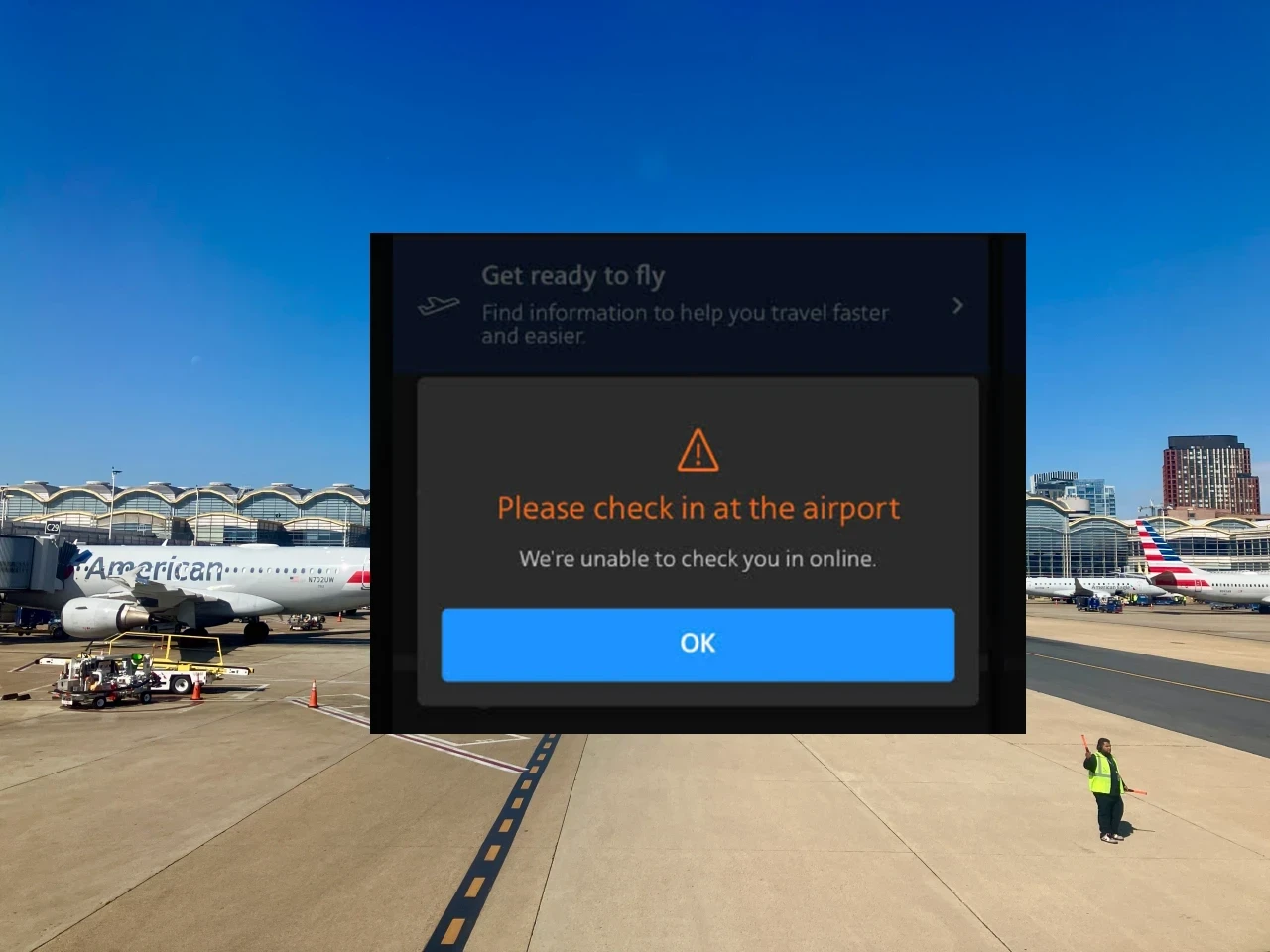
I had a not so nice surprise on the AA app recently. The check-in window for some very important travel opened and instead of a boarding pass I got a warning banner: "Please check in at the airport. We're unable to check you in online."
For a 6am domestic flight, that's the last thing you want to see. Nobody wants to arrive extra early to sort out a check-in issue. Here's what I did, why it worked, and what might have caused it in the first place.
What This Message Usually Means (And Doesn't)
The "Please check in at the airport" message can appear for a few different reasons.
International document verification: For international itineraries, AA sometimes requires airport check-in for document verification (passport, visas, ESTA, etc.).
SSSS designation: Domestically, "Please check in at the airport" can indicate an SSSS designation on your boarding pass, which triggers Secondary Security Screening Selection. That's the additional security screening that can add significant time to your airport experience.
Something else entirely: Sometimes the message appears with no clear reason, and no international travel or SSSS designation to explain it. This is the case that catches many people off-guard.

How I Fixed It
I opened the AA chat function through the app. I explained I was trying to check in for my flight and getting the airport check-in message, and asked if they could take a look at the reservation.
A few minutes later, the agent came back with a fix. They re-issued the ticket on their end. I refreshed the app and check-in went through normally. A few minutes later I had my digital boarding pass.
Why It Probably Happened
My best guess: I had a schedule change on this booking a few months prior. When AA moved my flight to a different time, my ticket was reissued in the system. But something in that reissue didn't fully complete. My confirmation number showed the booking as valid, the flight was showing as confirmed and ticketed, but the underlying ticket record apparently had some issue that only surfaced at check-in time.
The reservation re-issue by the chat agent effectively fixed whatever wasn't fully synced.
Why the Chat Function Works Well Here
The AA chat function through the mobile app or website can be quiet helpful when sorting issues of these sorts. Wait times are typically shorter than phone lines and chat agents can handle most reservation issues. For a "small fix" issue like this it’s usually faster than calling.
If you get the airport check-in error and you're not international or expecting an SSSS designation, reaching out via AA’s chat function should be your first stop. Not the airport.
The Broader Lesson
Airline booking systems are complex, and edge cases happen. Between schedule changes, SWU usage, and name corrections - many of these can create the kind of underlying issues that show these errors at check-in.
I’ll be honest - I was sweating it thinking I had discover a much bigger issue. The takeaway: don't assume the worst when you see an unexpected message. Most of the time it's fixable with a quick chat. Two minutes of your time before you head to the airport can save a lot of time standing in a check-in line for an issue that could have been resolved from your couch.
Quick Reference
If you see "Please check in at the airport" on AA and don't understand why:
- Check if you're flying internationally. If yes, this may just be document verification and unavoidable.
- Open the AA chat function through the app or website
- Explain the situation briefly - you're trying to check in and getting the airport-only message. Provide your record locator and email to speed things up
- Ask them to take a look at the reservation
- Refresh and try check-in again after they respond
In this case my solution was simple, fast, and easy to sort it out. It’s a good reminder to save the panic for actual emergencies!
Related: An AA Ticket Repricing Win: 15 Minutes, $150 Back · The oneworld Trick for Adding Your FF Number